


Orange Squeeze is a fast, friendly remote control for your Logitech Squeezebox family of devices. It runs on nearly all Android devices and you can purchase Orange Squeeze on either Google Play or Amazon for only $4.99 (international prices vary). Orange Squeeze automatically discovers and connects to your local Logitech Media Server (7.0 and higher) or the mysqueezebox.com web site.
Enjoy fast browsing, available immediately with no waiting for scans or database synchronization. Full search capabilities coupled with an intuitive and fast interface make listening to music on your Squeezeboxen fun and convenient. Advanced artwork caching heuristics make for a smooth, seamless experience.
New features in 2.0 include:
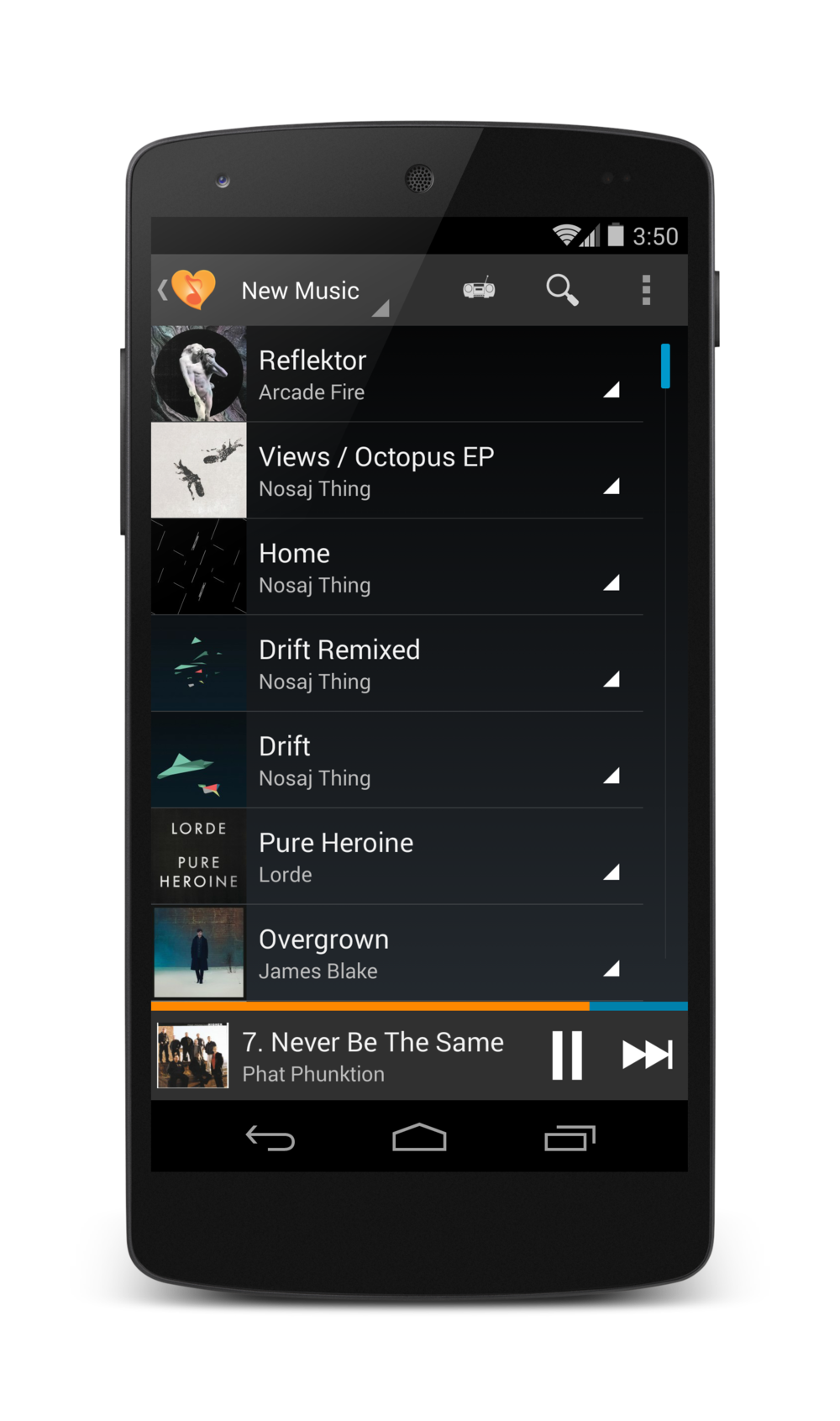
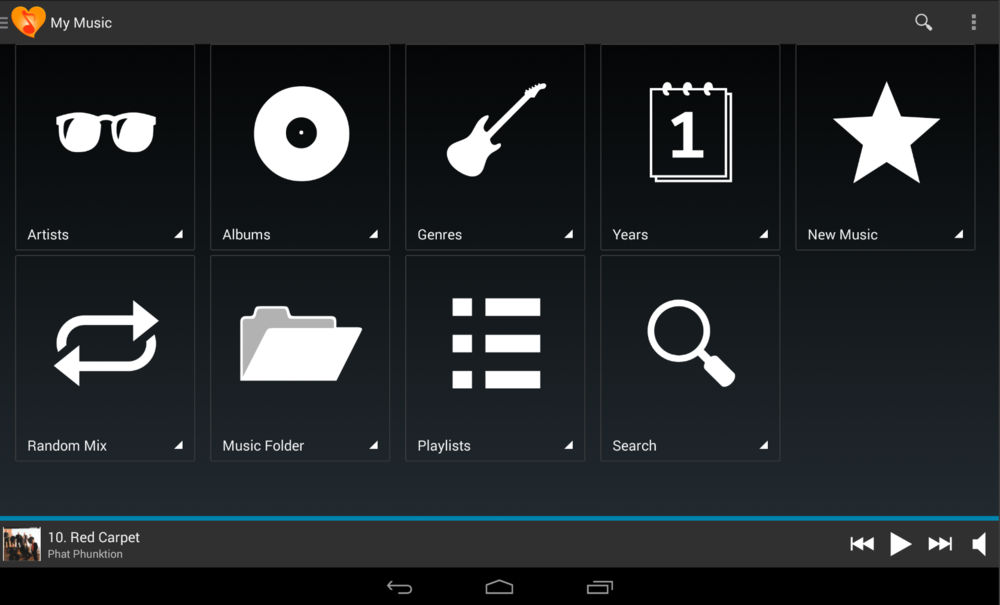
- New UI based on the Android action bar and navigation drawer patterns.
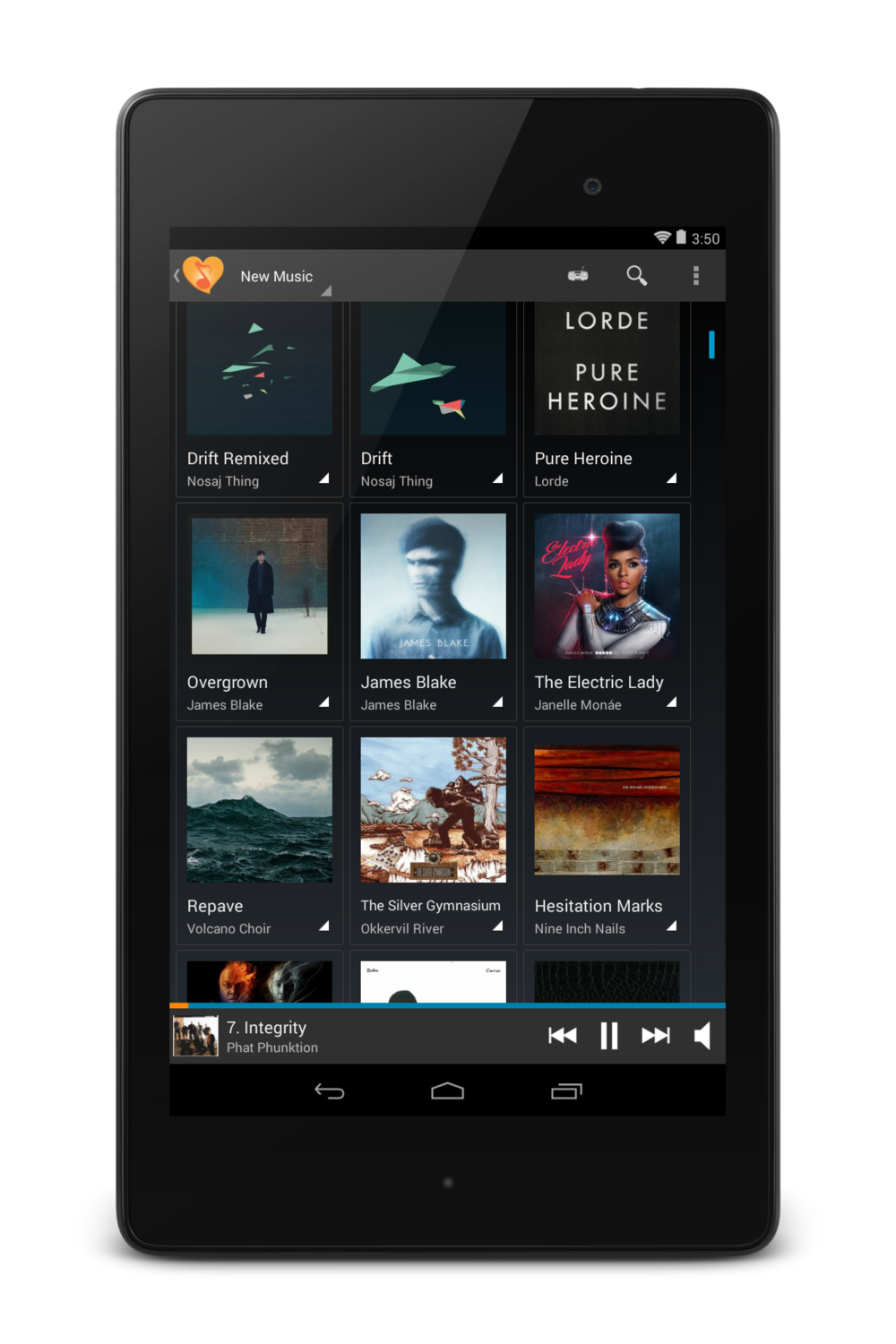
- Grid mode for tablet-class devices. This was a long time coming, because we wanted the artwork loading to be fast and seamless on a wide variety of devices.
- New artist artwork generation technique – it uses a more traditional grid instead of the overlapping cards model in the past.
- The current playlist view is updated to include some convenient gestures, such as swipe-to-remove and also long-press to reorder. Overall the current playlist view is faster and more robust than before.
- Orange Squeeze will now broadcast track and player metadata, allowing consumption of track and player metadata by third-party apps.
- New track download backend that works around some issues with the previous one based on the Android download manager. Truth be told, this isn’t an area that we will be focusing on, but we do want it working well enough for everyone so you can get the job done. Spit and polish for this feature will have to take a backseat to most other issues.
- Browse fixes so that lots of plugins that weren’t working, now do. Examples include Lyrics plugin, album review, more advanced Album Artwork plugins, etc. Expect some additional improvements to browsing as well.
Improved media key button handling. There is more to come on this front, as additional options are added.
Improved support for Michael Herger’s “Music and Artist Information” plugin. In particular, picture lists are now displayed with captions and can be viewed full-size.
Fully integrated and tested with Pandora, Spotify, and other online services available on your Squeezebox.
Other features:
- Helpful user interface that introduces you to advanced features progressively.
- Drag and drop playlist and menu management for easy customization
- Automatically mute or pause players when a phone call is received, and optionally unmute them after you hang up.
- Use your phone’s volume keys to control your player volume.
- Works with password-protected servers.
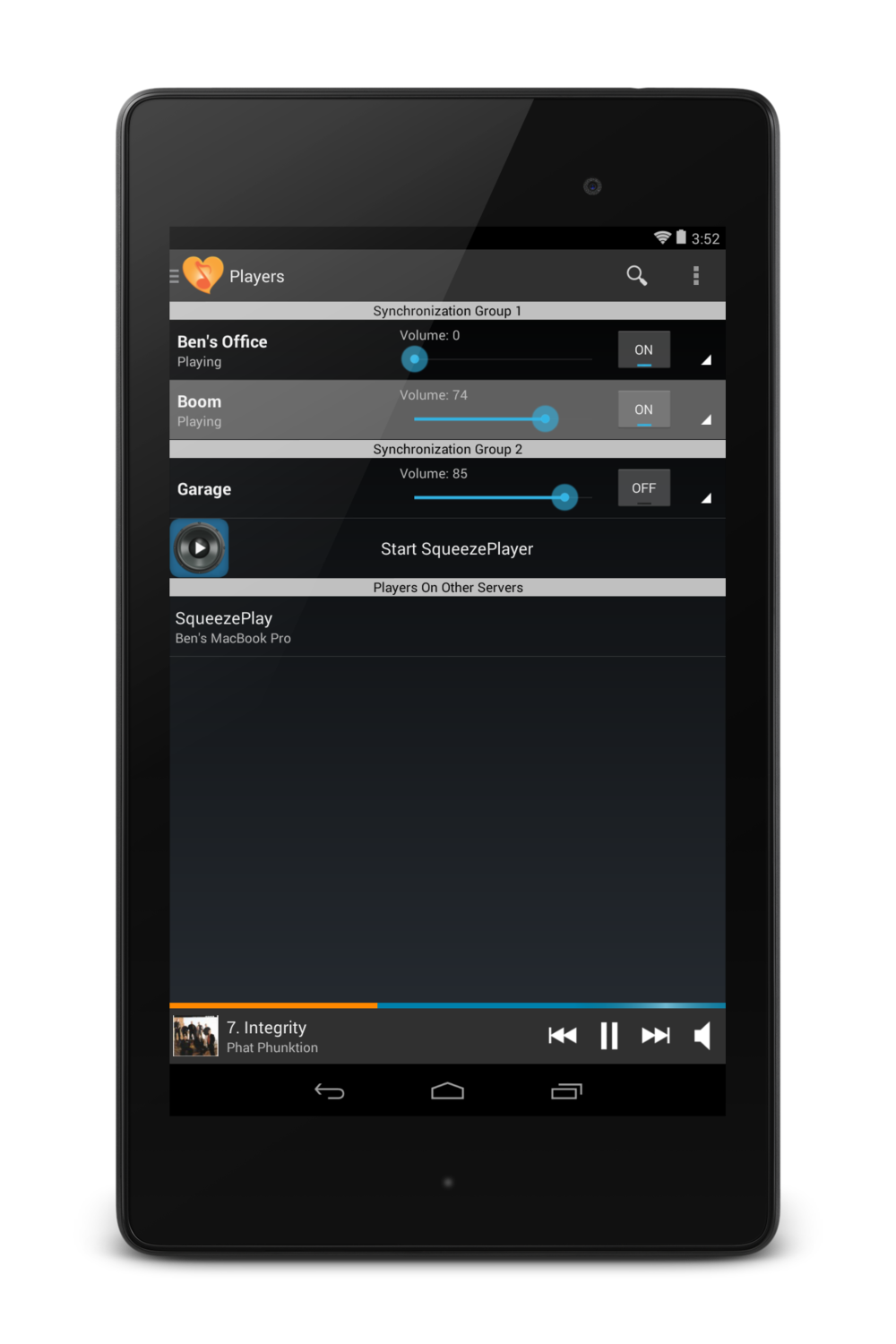
- Control device audio synchronization so that you can enjoy music or other content throughout your home.
- Integrates cleanly and easily with the SqueezePlayer app (separate purchase required) to turn your Android device into a full-fledged music player connected to your Logitech Media Server.
- Free (and optional) access to the Orange Squeeze Beta releases!
Tested in-house on the Google Pixel, nVidia Shield K1, Samsung Galaxy Tab S3 and Samsung Galaxy Tab Pro 8.4.
Orange Squeeze 2.1 is supported on all Android devices running Android 4.3 (Jellybean) and higher.
Orange Squeeze 2.0 is supported on all Android devices running Android 2.2 (Froyo) and higher.
Orange Squeeze 1.0 is supported on all Android devices running Android 1.6 (Donut) and higher.
Screenshots



Automation
If you are interested in accessing Orange Squeeze metadata programmatically, you might want to check out the page on Broadcast Intents that Orange Squeeze produces and also (if you are using Orange Squeeze 2.5 or higher) these launch Intents that Orange Squeeze consumes.